TRADESMAN Deal to Dealer Merchant Tools
Controls cheat sheet and a demand-based route table so you stop guessing on the map.
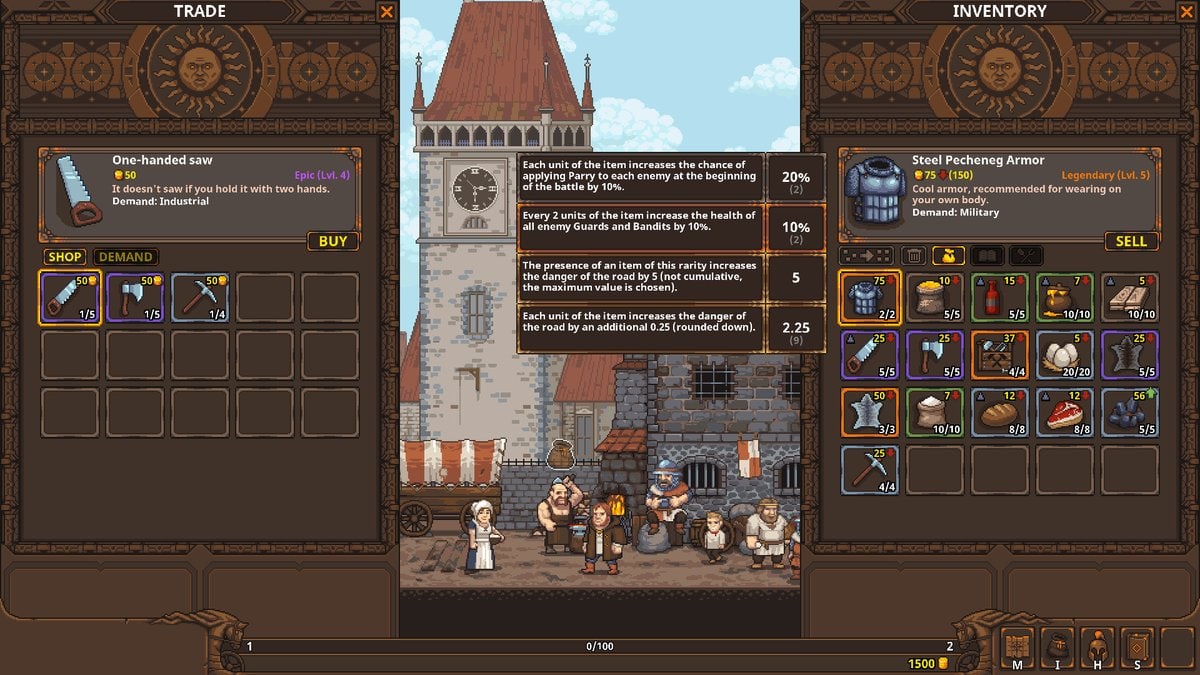
Not every page on this wiki is a story. Some pages are desks. The tools hub collects the two desks 1.0 merchants actually need: a controls sheet (HUD keys, save folder, Deck notes) and a trade-route table (who wants fish, who wants armor, which brick is reputation).
This is still a single-player Steam game. There is no live price API, no party calculator, no code redeemer. If a site offers “instant gold” it is not this wiki. Use Steam, sleep-saves, and the tooltip on the saw.
What to open beside the game
- Controls — M / I / H / S cluster, camp sleep,
%USERPROFILE%\AppData\Local\Tradesman\, keyboard versus gamepad, Deck Playable caveats. - Trade routes — Grampstead, Fishpool, Grubgrog, Hoboken, Normingham, Furryfoot, guard camps, mill towns, Bigfoot south, Wasteland west as a heading not a spoiler dump.
Put those two next to trading and Getting Started. When a fight explodes, jump to combat instead of adding another well “to make money faster.”
How to use the route table without spoiling yourself
Demand tags in the live UI beat any wiki cell. If Fishpool’s stall says Industrial today, believe Fishpool. Our table records the patterns community guides and Steam screenshots keep repeating: seafood and bears on the pool, tavern freight on Grubgrog, basics on Hoboken, capital sinks on Normingham, military on camps, food on people-villages, Furryfoot as the Beastborough key.
Cargo danger still applies on every listed hop. A “safe loop” is safe because you haul one matching well, not because the town name is green. Goods tier list.
Other desks we will not fake
No DPS spreadsheet. Auto-battler math changes when Hunter scrolls get nerfed. No interactive talent planner — point costs are 1/2/3/4 and the trees are readable in-game. No multiplayer party finder. Talents and squad builds stay prose on purpose.
Workshop localisation tools belong on links, not here. If you add a language pack, restart after the BAMF key trick the studio documented; this wiki will not mirror their whole Workshop guide.
When 1.0 ninja patches rename a town, we patch the route table and leave a note on updates. Until then, treat this hub as the corkboard above the cart, not as a second game.
Print nothing. Keep this tab next to the Steam overlay. The mercenary hub and goods tier list are the other two desks you will actually open after a lost fight. Tools here do not replace those pages; they tell you which key to press and which town to aim at before you spend the next stack.
Frequently Asked Questions
Quick answers to the most common merchant questions.
Is there a damage calculator?
No. Tooltips and the combat guide are the honest tools. Cargo traits change the fight more than a spreadsheet.
Where are keybinds?
On the controls page, including the M I H S HUD cluster.
Do routes include Wasteland?
As a heading. Details stay on Wasteland until the desert towns stabilize.