TRADESMAN Deal to Dealer Fixing Crashes and Lag
What the community and developer have confirmed — and what actually helps.
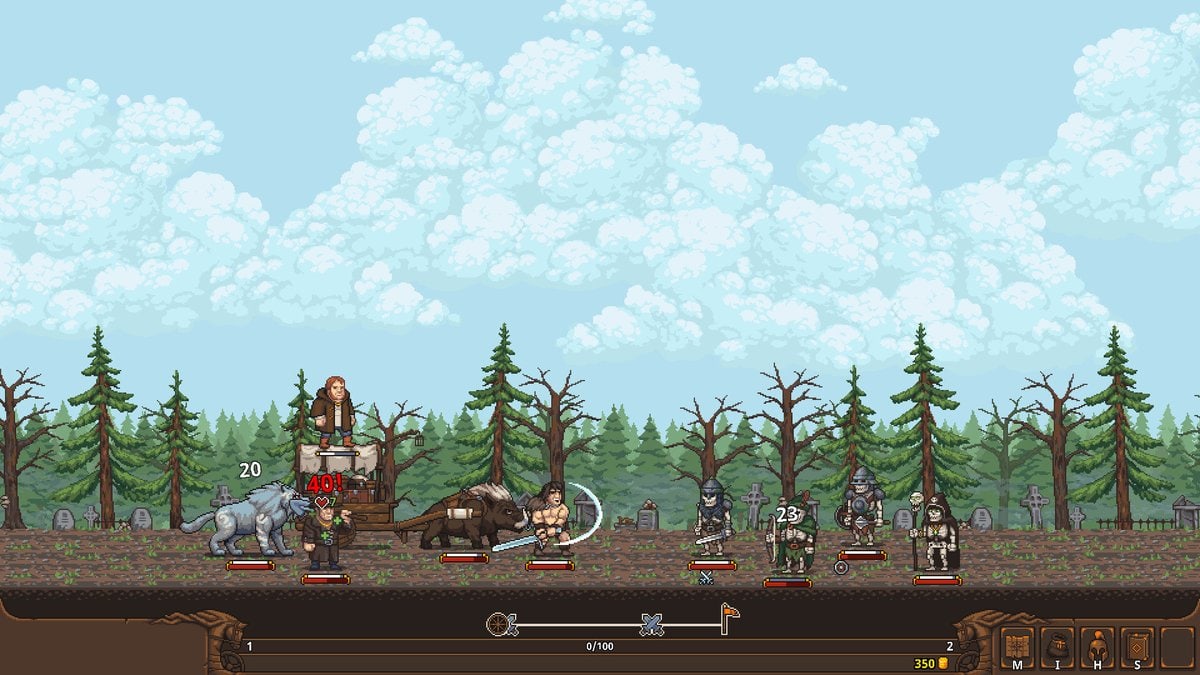
TRADESMAN: Deal to Dealer is a pixel art game but it uses shaders, dynamic surfaces, weather effects, and night visuals. It is measurably GPU-demanding. This page collects every confirmed performance issue from Steam discussions and the developer’s own troubleshooting threads, plus workarounds where they exist.
General performance advice
From the developer’s pinned Steam thread: the game is not lightweight despite the pixel art. The visual effects are real and they tax integrated GPUs especially hard.
Try first:
- Lower your resolution
- Close overlay software (Discord, browsers, streaming tools)
- Update your GPU drivers
- Test both windowed and fullscreen modes — results vary per machine
Reported hotspots:
- Laptops with integrated GPUs and thermal limits are where most lag reports originate
- Rain visually reads as an FPS drop for many players even when the counter holds
- Windowed versus fullscreen produces different results per machine; try both
RTX 5070 Ti and newer NVIDIA cards — known crash issue
Symptoms: Win32 function failed: HRESULT: 0x887A0005, device lost (reason 0x887A0007), crashes within minutes of gameplay.
The developer confirmed this is not fixable from the game side. This is a known issue between GameMaker-engine titles and the newest NVIDIA graphics cards and drivers. Other GameMaker developers report the same behavior. The current path forward is waiting on engine-level or driver updates. There is no workaround within the game settings.
If you are on a very new NVIDIA card and experiencing crashes, this is the confirmed cause. Check GameMaker engine forums for updates.
Quest-log crash — reproducible bug
Scrolling up or down through the completed quests list crashes the game instantly. This is a reproducible bug confirmed by multiple players on Steam.
Workaround: Use the active quest view instead of the completed list tab. Until a patch fixes this, do not scroll the completed quest log.
Fullscreen and Chinese IME bug
Typing with a Chinese input method while in fullscreen mode forces the game into windowed mode.
Workaround: Switch your input method away from Chinese IME before entering fullscreen, or play in windowed mode. This is a known interaction between GameMaker and certain IME implementations.
Savegame corruption after power loss
At least one player lost a save file with 10+ hours of progress after a power outage during an active session. When the game was relaunched, the save loaded with zero mercenaries and reset locations.
There is no confirmed recovery method for corrupted saves.
Prevention: Manually back up your save folder. Saves live in %LOCALAPPDATA%\Tradesman\ on Windows. Copy this folder to a safe location regularly, especially before a storm or when you are deep into a run. Steam Cloud provides some protection but power-loss corruption can affect the local files before the next Cloud sync.
Quick reference table
| Issue | Confirmed by | Workaround |
|---|---|---|
| Lag on laptops / integrated GPU | Developer + community | Lower resolution, close overlays, try windowed |
| Rain FPS drop | Community | No fix; visual only, not actual lag |
| RTX 5070 Ti crash | Developer | None — engine/driver issue |
| Quest-log crash | Community | Use active quest view only |
| Chinese IME fullscreen bug | Community | Switch IME before fullscreen or use windowed |
| Power-loss save corruption | Community | Manual backup of %LOCALAPPDATA%\Tradesman\ |
Night-time and weather effects
The game features dynamic night cycles and weather that visibly affects the environment. Some players report these as causing performance drops. There is no in-game setting to disable these effects. The most practical approach is lowering overall rendering quality through resolution or switching to windowed mode.
Steam Deck
The store lists Steam Deck as Playable. Performance on Deck will depend on the specific game profile settings. If you encounter thermal throttling or frame drops, try the general performance steps above adapted for the Deck’s hardware. The game is confirmed running on Steam Deck but is not listed as Verified.
Patch notes that address performance issues will appear on updates. If you experience an issue not listed here, check the Steam discussions for the game before assuming it is unique to your setup.
Frequently Asked Questions
Quick answers to the most common merchant questions.
Why does a pixel art game lag so much?
Despite the pixel art aesthetic, TRADESMAN uses shaders, dynamic surfaces, weather, and night effects that are GPU-demanding. Laptops with integrated graphics are the most common reports.
The game crashes on my RTX 5070 Ti. Is this known?
Yes. The developer confirmed this is a known issue between GameMaker engine titles and the newest NVIDIA cards. It cannot be fixed from the game side.
The game crashes when I scroll my quest log. Is this a bug?
Yes. Scrolling the completed quests list crashes the game. Use the active quest view until a patch fixes this.
How do I prevent savegame corruption?
Back up `%LOCALAPPDATA%\Tradesman\` manually. Power outages during active sessions can corrupt saves before the next Steam Cloud sync.